
Stop Reading Dashboards, Start Asking Questions
Process Mining + Copilot Studio: ask your process anything
- Power Automate Process Mining
- Process Mining MCP (Preview)
- 9 tools, generative orchestration
- Copilot Studio agent
- Build it in ~30-45 min
Watch the session
Open on YouTubeAbout this session
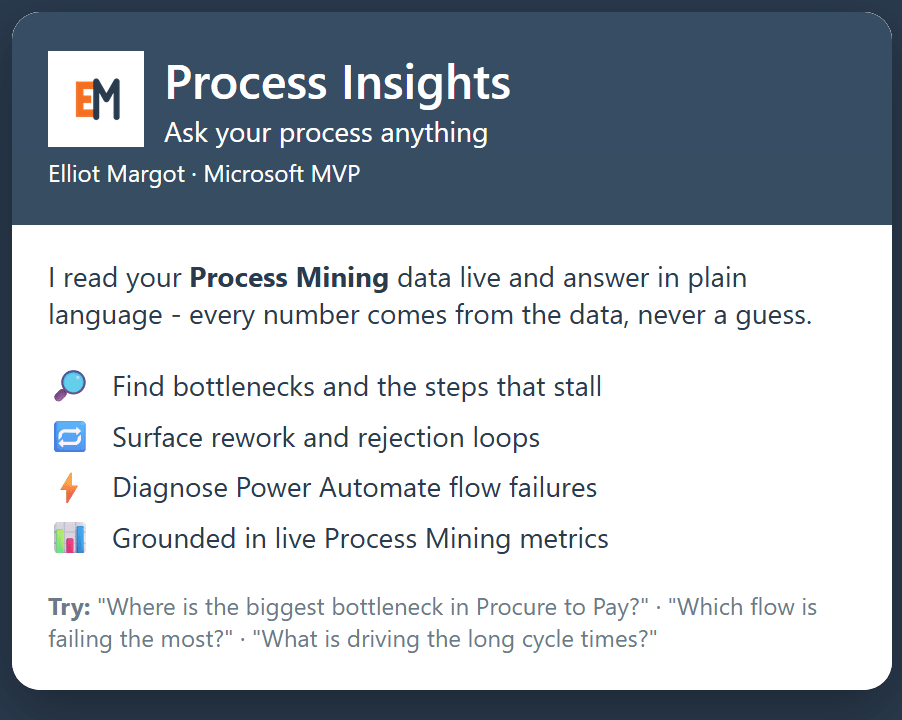
Most teams consume process data by staring at dashboards. This session shows a different way: ask your process questions in plain language and get grounded answers from live data. Using Power Automate Process Mining and the new Process Mining MCP (Preview) connector in Microsoft Copilot Studio, I build a conversational "Process Insights" agent that surfaces bottlenecks, rework loops, and Power Automate flow failures on demand - every number traceable to the data, never a guess.
Inside the demo
- Two live processes: a Procure-to-Pay business process, and Power Automate Flow Health (mining your own failing flows).
- A Copilot Studio agent on the Process Mining MCP (Preview) - 9 tools, generative orchestration.
- Ask: "Where's the biggest bottleneck?" -> Approve Purchase Order, plus a 15% rework loop.
- Ask: "Which flow fails the most?" -> Invoice Sync, throttled (429) on POST invoice.
- Ask: "What's driving the long cycle times?" -> one vendor, Globex.
- Every number comes from the live Process Mining engine, not the model.
Prompts to try
Point an agent at your own Process Mining data and adapt these:
- Where is the biggest bottleneck in our process?
- What is driving the long cycle times?
- Which variant has the most rework?
- Show me the cases that took longer than 5 days.
- Which vendor (or department) influences duration the most?
- Which Power Automate flow fails the most, and where does it break?
Build it yourself
Set up Process Mining
Create a process in Power Automate Process Mining and ingest at least one event log. You only need three columns: Case ID, Activity, and a Start timestamp.
Process Mining tutorial (free sample data)Create the agent and turn on generative orchestration
In Copilot Studio, create a new agent and enable generative orchestration - it is required for the agent to choose MCP tools at runtime.
Generative orchestrationAdd the Process Mining MCP tool
Tools > Add a tool > the Process Mining connector. Confirm all nine MCP tools are discovered (get_processes, get_bottleneck_analysis, get_correlation, and more).
Step-by-step build guideWrite grounding instructions
Give the agent a system prompt that routes each question to the right tool and answers only from tool results - never a guessed number.
The 9 tools, explainedTest, add starter prompts, publish
Ask the prompts above in the test pane, save the best ones as starter prompts, then publish to Microsoft Teams and Microsoft 365 Copilot.
Publish and deploy
Slides

Resources
Session recap
- Community call recap - June 2026 (Warner Digital)→David Warner's full summary of the call, including all three sessions and links shared.
Get the demo
- GitHub: synthetic data, generators, agent prompt→Clone the two event logs, the generators that build them, and the agent system prompt.
- Presenter demo script (PDF)→The exact questions, expected answers, and talking points from the live demo.
- Community call recap: screenshot summary→David Warner II's screenshot-by-screenshot writeup of the community call, including this session.
Start here (the exact build)
- Create a Copilot Studio agent with Process Mining (preview)→The official 30-45 minute build guide - this is exactly the demo.
- Process Mining MCP server reference - the 9 tools→Every MCP tool the agent can call, with parameters and filters.
- Process Mining connector reference→Connector authentication, regions, and throttling limits.
Copilot Studio + MCP
- Extend your agent with Model Context Protocol→How MCP works inside Copilot Studio.
- Connect your agent to an existing MCP server→Wire any MCP server to an agent (the onboarding wizard).
- Generative orchestration (required for MCP)→The setting that lets the agent pick the right tool per question.
- The Model Context Protocol standard→The open standard behind it all.
Process Mining - learn and try
- Power Automate Process Mining overview→What Process Mining is and how to get started.
- Get-started tutorial (free sample event log)→Hands-on in 15 minutes with sample data Microsoft provides.
- Copilot in Process Mining (ask in-product)→Ask questions inside the Process Mining app itself.
- Training: Get started with process mining→Microsoft Learn modules, beginner to business analyst.
From the speaker
Elliot Margot
Microsoft MVP - M365 Copilot & Copilot Studio