IT Self-Service Agent
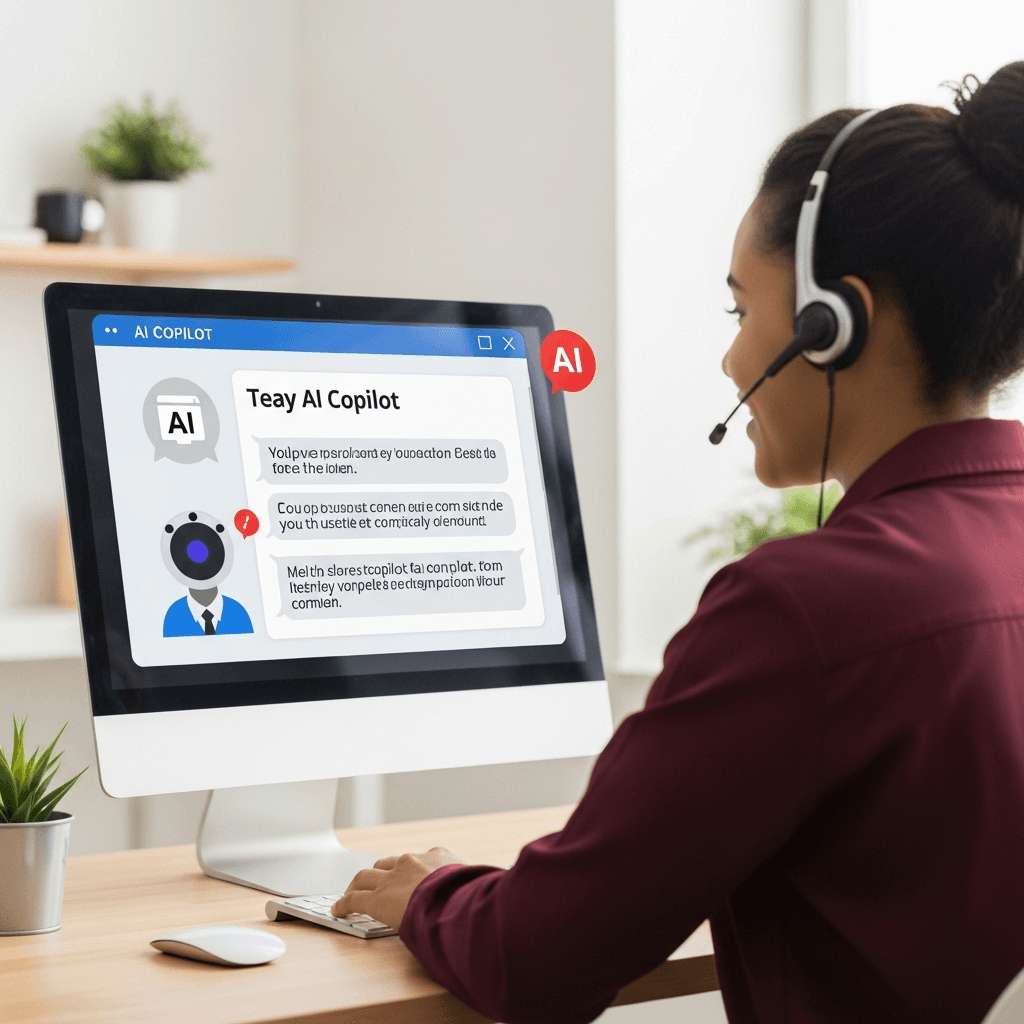
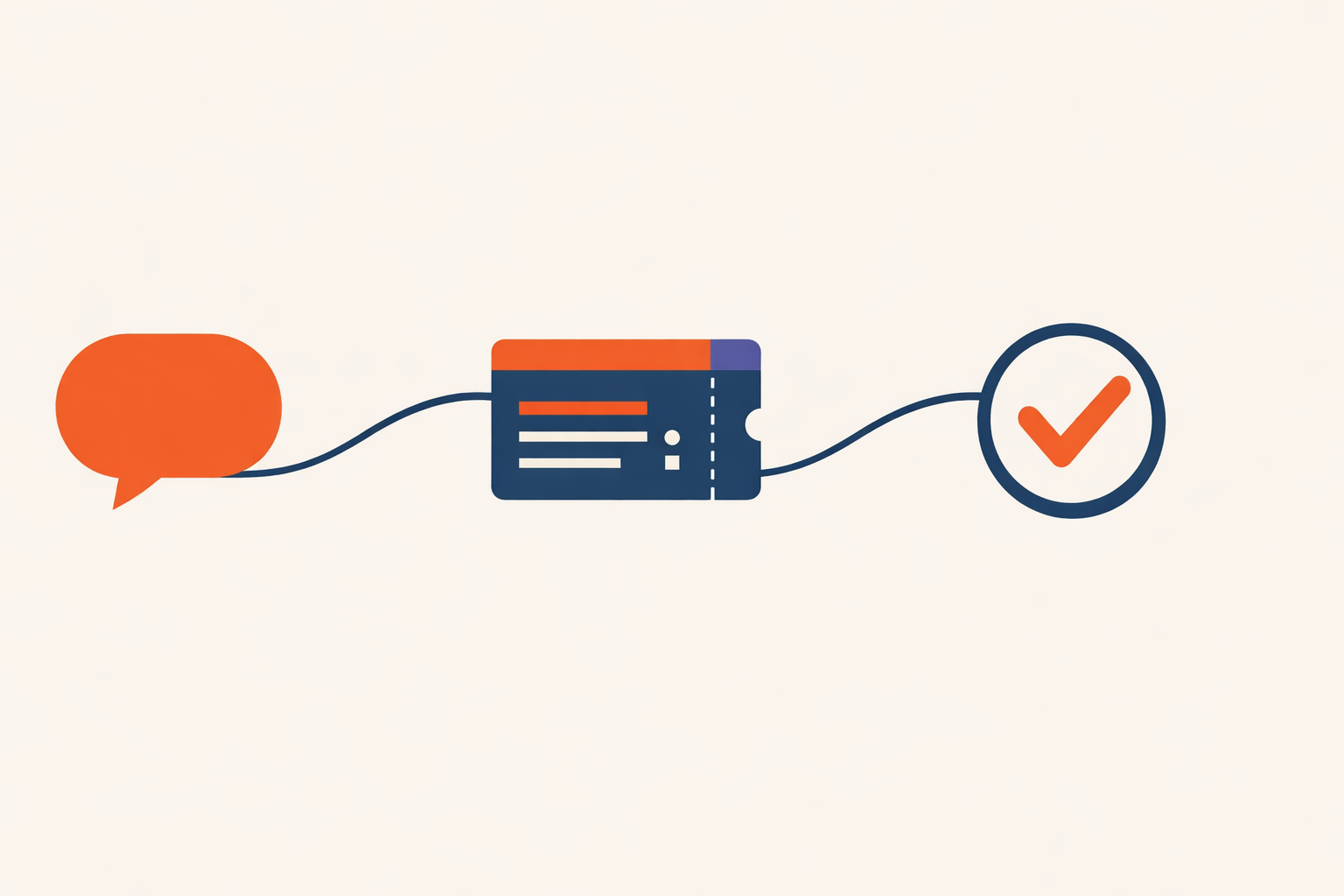
L1 helpdesk deflection: password resets handled by a Teams chat instead of a ticket queue.
Project details
- Microsoft Copilot Studio
- Teams channel
- Power Automate
- ServiceNow
- RPA
Context
A major European insurance group wanted L1 IT self-service to live inside Teams instead of behind a helpdesk queue. Password reset is the canonical example: high volume, low complexity, and the kind of request that should never need a human to type a ticket on your behalf. The brief was to let employees trigger the reset themselves in Teams, route it through ServiceNow so the existing RPA bots execute it, and give them email confirmation a few minutes later.
This is not a chatbot pretending to do IT support. The agent's job is narrow on purpose: qualify the user, create a precisely categorized ServiceNow incident, get out of the way. The execution is owned by automation that already existed and was already hardened.
Challenge
The hard part of this kind of agent is not the conversation. The hard part is making the resulting ServiceNow ticket so well-formatted that the existing RPA bots pick it up automatically with zero changes on their side. Categorization fields, assignment groups, request payload shape - get any of these wrong and the RPA bot silently ignores you, the ticket sits in a queue, and the user blames the agent.
2 real constraints. First, user-type qualification matters: different employee populations (admins, agents, brokers) have distinct entry paths before a reset is allowed. Second, deduplication is non-negotiable - a user clicking the reset action twice within the same day must not trigger 2 parallel resets. Both rules existed in the prior IT self-service surface. Both had to survive the move to Teams.
Approach
Copilot Studio agent on the Teams channel, single conversational entry point, parameterized topic design so the same flow serves password reset today and other L1 IT actions tomorrow. Every action ends in the same shape: qualify the user, run the dedup check, create a precisely categorized ServiceNow incident, let the existing RPA execute, confirm by email.
The orchestration insight: user-type branching belongs at qualification, not at action. Admins, agents, and brokers have different eligibility checks but the actual ServiceNow incident they need to produce is identical for all of them. Splitting on the action would have meant 3 near-identical topics; splitting on qualification keeps the action topic single and reusable across user populations.
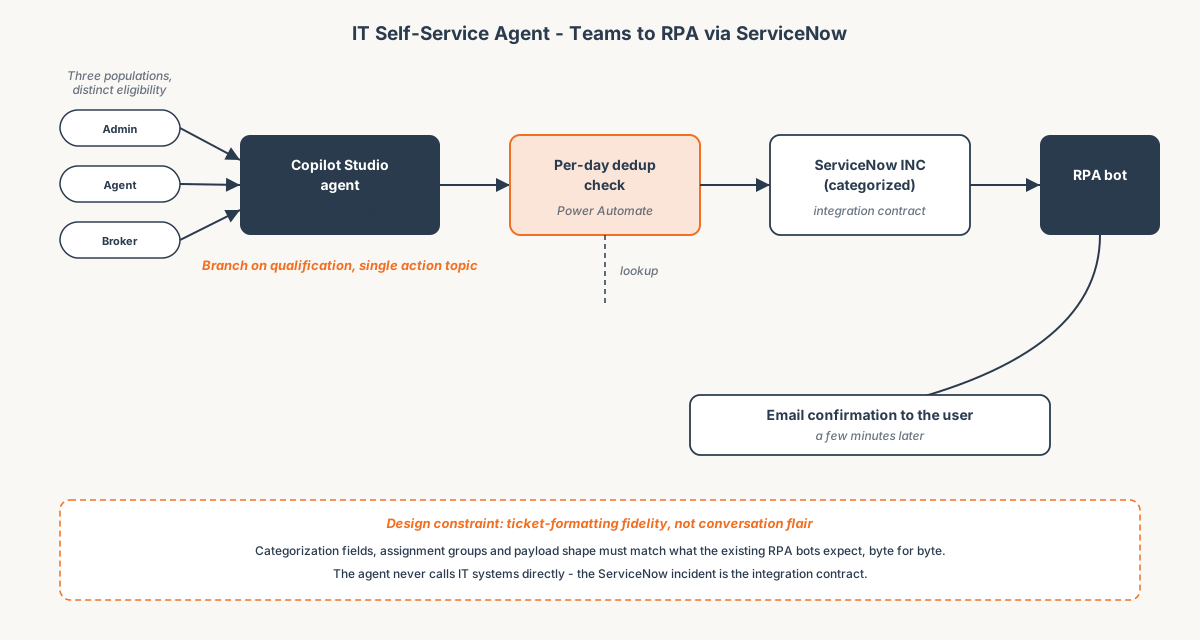 Branch on qualification, single action topic. The ServiceNow incident is the integration contract.
Key technical choices:
- Teams as the only surface. Employees already live there; no separate portal, no IVR, no "open this app". The agent meets them where they already are.
- Per-day deduplication check. A Power Automate query against ServiceNow before any RPA trigger. If an incident already exists for this user and category within the cooldown window, the agent says so and refuses to create a duplicate.
- Role-based qualification, single action topic. The reset action is identical across user populations; only the eligibility checks differ. One action topic, multiple qualification paths.
- ServiceNow incident as the integration contract. The agent does not call any IT system directly. It creates a precisely categorized incident; the RPA bot owns execution. This keeps the agent simple and the RPA reusable across surfaces.
- Parameterized topic design. The same flow serves password reset today and similar L1 IT actions tomorrow without rewriting the orchestration logic. New action = new qualification + new category code, not a new topic tree.
- Email confirmation closes the loop. The user sees the outcome in their inbox a few minutes later, not just in a chat bubble that scrolls away.
Outcome
- Targeting meaningful L1 ticket deflection by absorbing password reset and adjacent one-click L1 actions into Teams self-service. Production measurement post-rollout.
- Password reset in production via Teams. Helpdesk no longer types these tickets manually - the agent acts as L1 and only escalates what genuinely needs a human.
- Single reset action topic serving admins, agents, and brokers, with qualification handled upstream.
- Same dedup discipline as the prior surface preserved across the move to Teams.
- Patterns reusable across the client's other agents. The "agent creates a precisely categorized incident, RPA does the work" pattern now anchors the IT self-service portfolio.